
A list that stays usable
Lists load from the server, so tens of thousands of entries open quickly. Filters, saved views and three table densities keep them readable. Every field remembers who changed it and when.
AverDesk / Product
Ask anyone how the mail works and you'll get a line from a spreadsheet. In reality it is a few servers, some network ports, an outside service or two and a backup site, all tied together. AverDesk keeps those links and turns them into a description every team can trust.
Start with a list of everything your IT runs and how it connects. IT people call this a CMDB (configuration management database). It holds products and services, running copies of services (instances), servers, hardware, IP addresses and networks, software, licences, offices, accounts, monitors and backup rules.
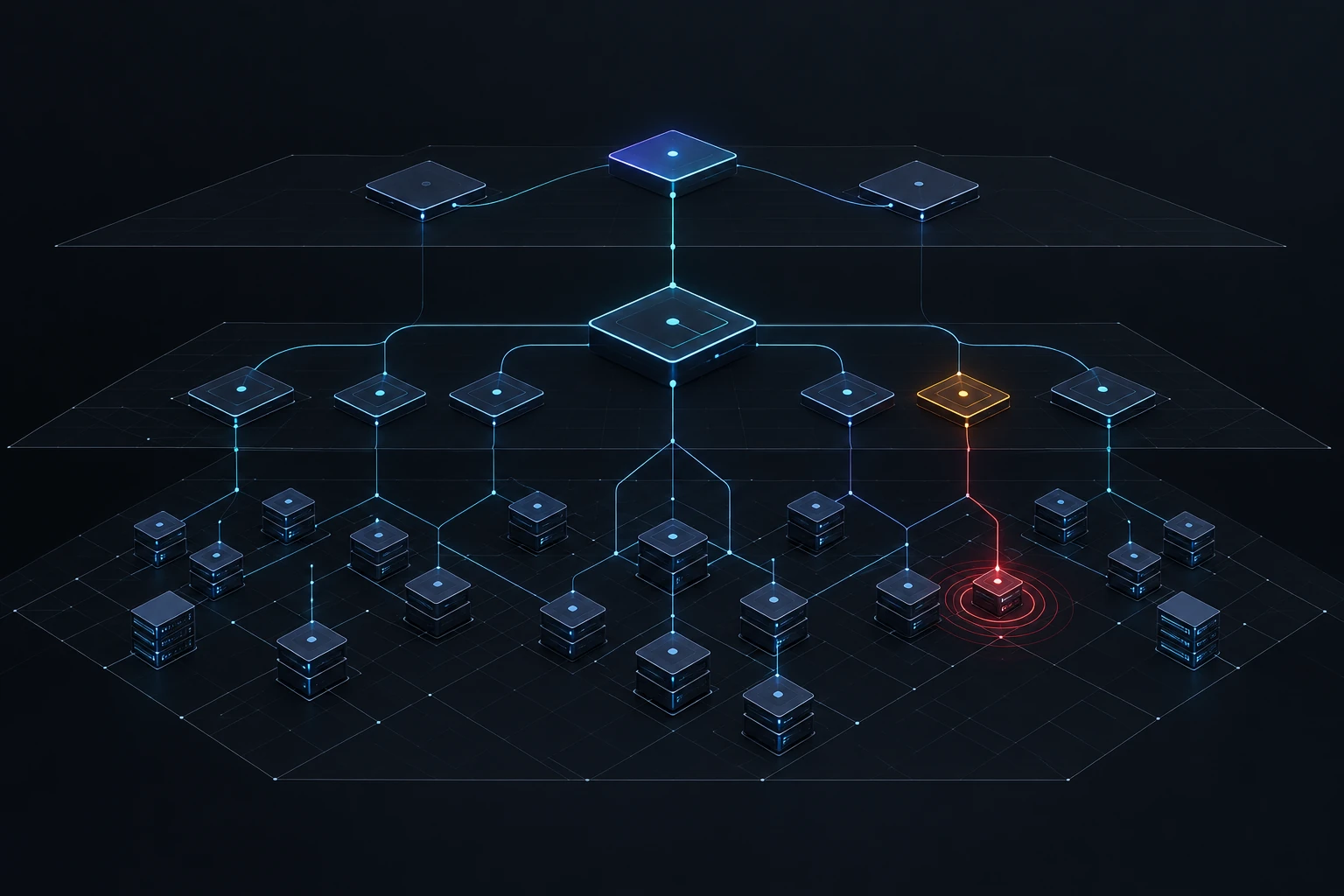
Lists load from the server, so tens of thousands of entries open quickly. Filters, saved views and three table densities keep them readable. Every field remembers who changed it and when.
Your organization decides what can link to what, and how many links of each kind are allowed. A link that would close a circle is refused, and you see the circle. You can edit the structure on a diagram and follow the chain from a server up to the product people use.
A 3D map shows locations as floors, and people, equipment and requirements as towers. Underneath is a world map that places cloud regions in a country and city. A red ring means an outage, orange means maintenance. The map also finds things linked to nothing, or never reaching any product people use.
Add your own lists and fields: how critical a system is, what stage of life it is in, whether it is test or live. Values pass down the structure, and when two sources disagree, a person decides, not an algorithm.
Requests and incidents live on the same map. A ticket about a printer is linked to that printer, and an incident with the mail is linked to the mail server.
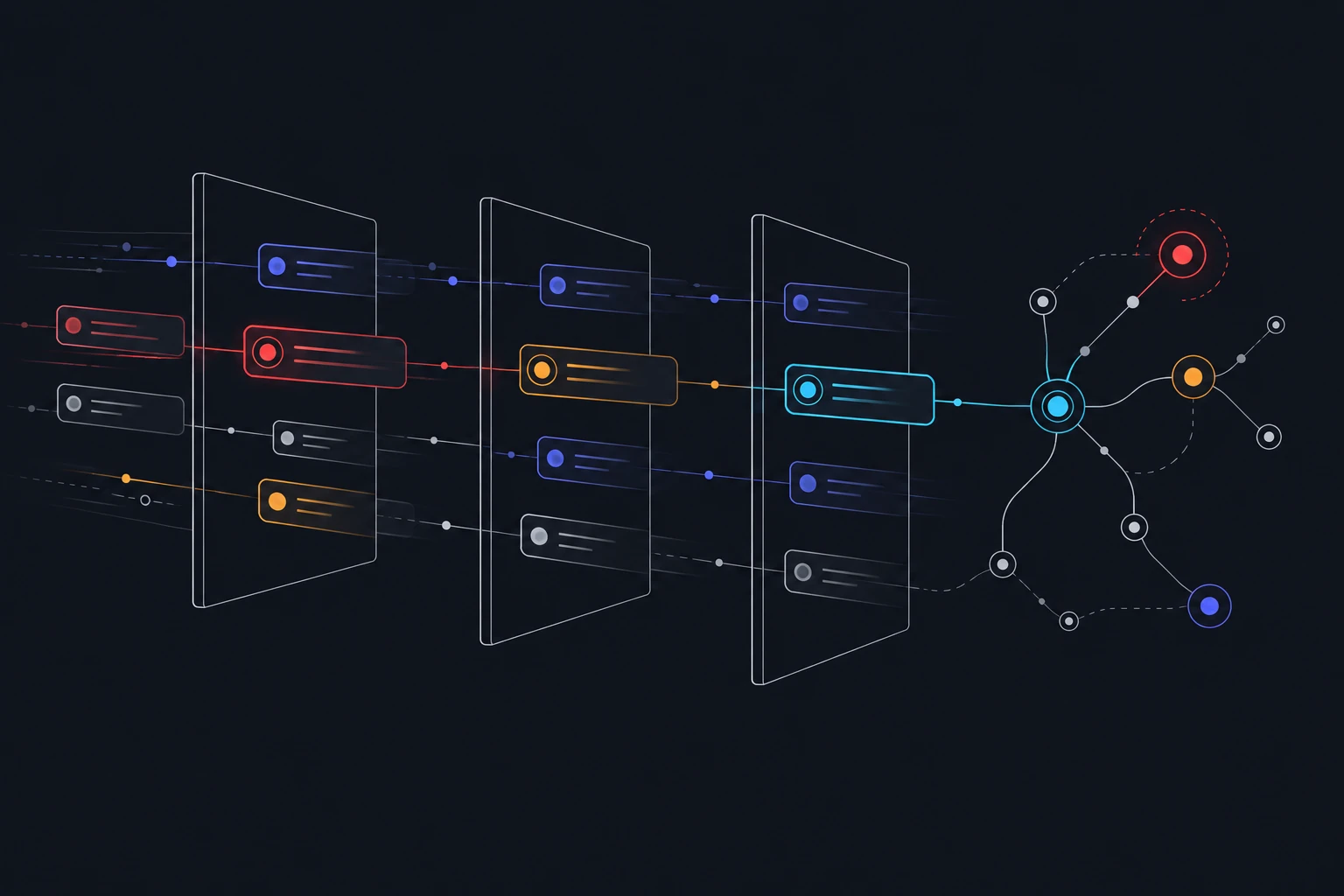
Every ticket lands in a shared queue with live counts: how many are waiting, which are urgent and who took them. Each one has a conversation and two timers, for the first reply and for the fix (the SLA). There is a board and statistics for managers. In IT terms these are incidents and requests (INC and REQ), with stages set in a rules table.
An employee picks what they need from a catalog, for example a laptop for a new hire. Then they see what stage the request is at and who is handling it. All messages stay inside the request. People who only order and follow requests are never billed.
Record when maintenance was announced and when it really happened. The effect spreads along the links, so for tonight’s update you see which services and which people will notice.
Each service shows its current state and a 90-day availability bar. A day with no checks stays empty, it is never painted green. A group is only as healthy as its weakest member.
Use the data you already have. Every automated change names the organization it belongs to, so nothing lands in the wrong place.
A Windows or Linux service that only sends data out, so you open no inbound ports. It reads people and groups from your company directory (AD/LDAP), read-only, and can use a domain service account without storing its password.
An open, documented API (OpenAPI 3.1). Send the same batch twice and nothing is duplicated (idempotent bulk upserts, with the organization passed in a header). Works with n8n and your own scripts. CSV and JSON imports too.
In the app, by email and in Telegram. Set them for the whole platform, a subscription, an organization, a team or just yourself. The same alert repeated is muted.
Encrypted backups go to an FTPS server (secure file transfer) on a schedule, and you can restore from them. The system runs in containers.
Available today: AD / LDAP · CSV / JSON · OpenAPI 3.1
Cloud connectors: coming later.
A team gets access to the equipment and services it looks after. A role sets what a person can do. You invite people by email and can give them rights to specific objects only.
Each organization has its own database. One subscription holds many organizations plus a demo one. We, the vendor, have no access inside your organization, and passwords and keys never leave the server.
Press Ctrl+K to jump anywhere. Light and dark themes. A mobile view for quick actions away from your desk.
English, Ukrainian and Russian. Readable contrast (WCAG AA) and an option for less motion.
One for each organization.
No inbound ports to open.
Passwords and keys never leave it. A stolen session is detected.
To FTPS, on a schedule, with restore.